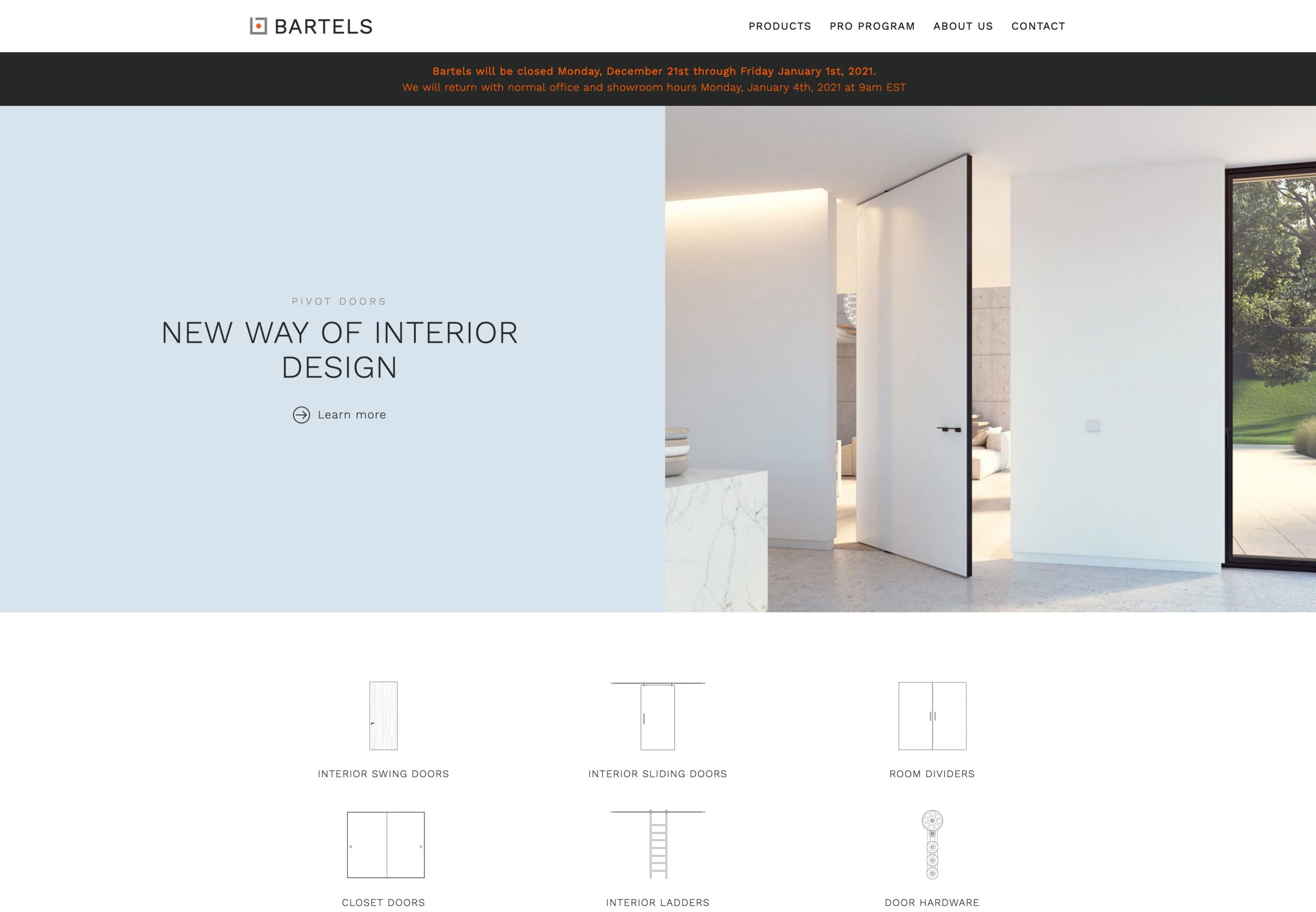
Show temporary hint text.
Such as closing times over christmas.
The text should be max. two lines (Destop) long.
It is possible to set a link.
For this purpose, a URL is needed, which is written in the "Link" field.
In the frontend the link is displayed via a "learn more".
Instruction
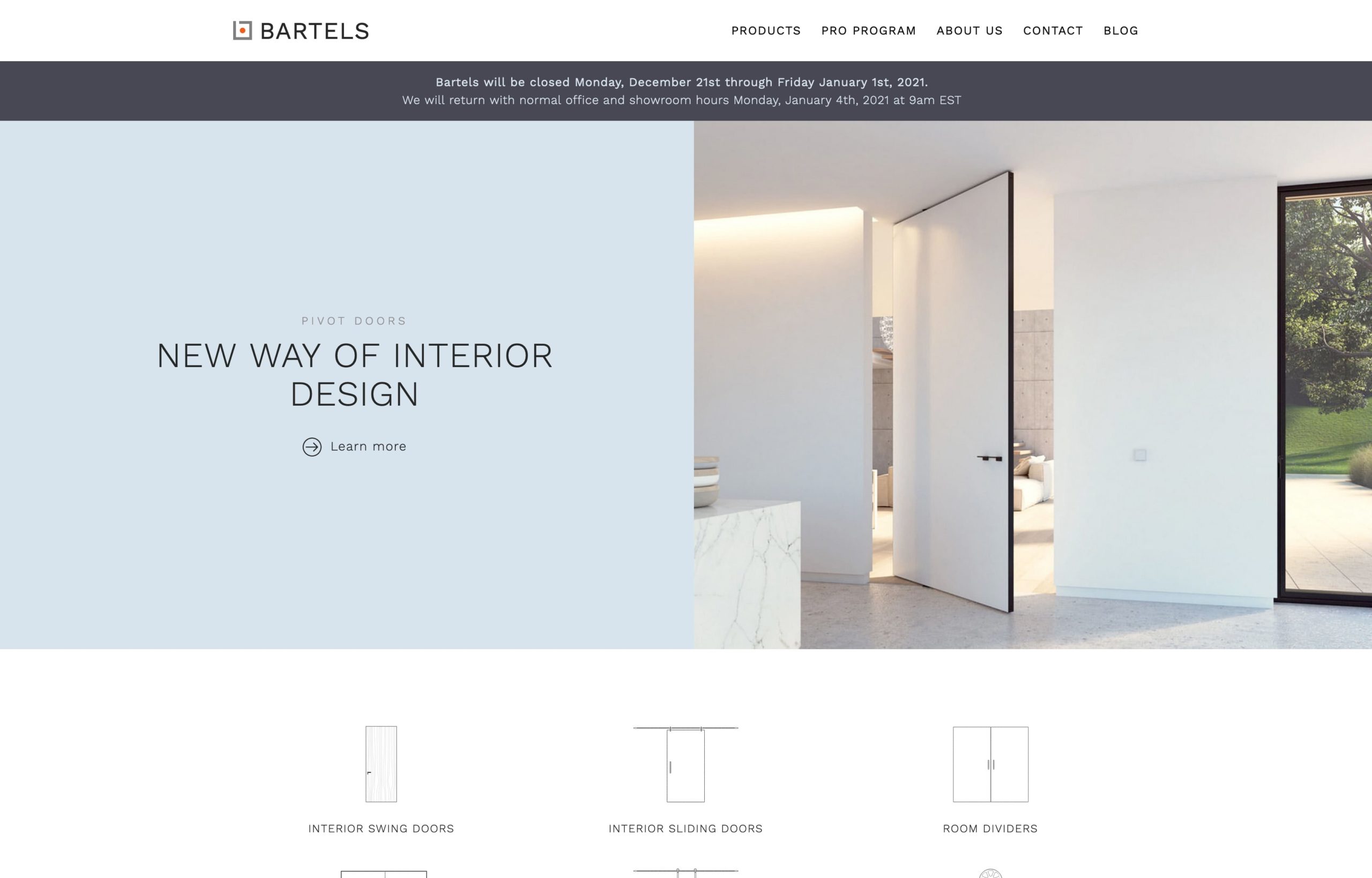
Example of a message on the homepage
The text is center aligned.
The text should not exceed two lines on desktop.
Further distinctions are to set the text partially "bold" and to force a line break.
Line breaks should be avoided, because the text already gets line breaks automatically due to the different responsive displays.
Customize/set text
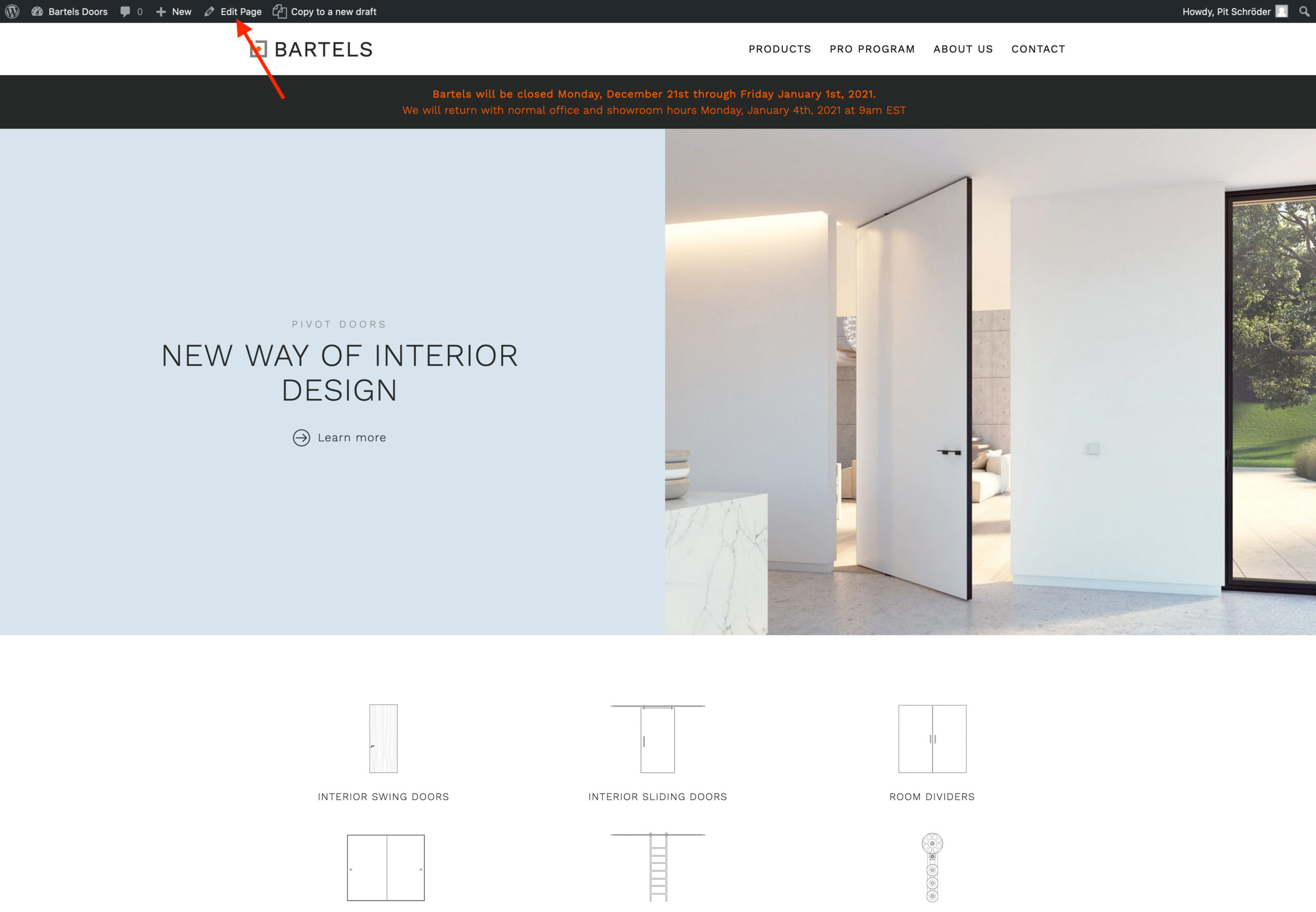
The easiest way to set or adjust the text is to go from the homepage to the page via the "Edit Page" button at the top of the CMS bar.
Alternatively, you can also find the page "Homepage" in the CMS via the search or under "Pages".
Page in CMS
There are three fields for the hint text.
The text that should appear is entered here.
There is a possibility to add a link.
This field controls whether the entry is visible on the homepage or not. Check mark in front of "show" shows the text. (The text does not need to be deleted.)
HTML markups are:
Bold <b>Highlighted text</b> (HTML markup must be opened <b> and closed</b>.
Line break<br> (avoid if possible. Wraps are carried over in responsive displays and may not be optimal there).
If a link is set:
The link will be shown as "Learn more".
The link is shown as a complete link (also to pages within Bartels). For example: https://www.bartelsdoors.com/products/in-stock/