Add description to images

Description

Image descriptions are displayed during rollover or in the Lightbox (Enlarged View).

Instruction

Adding the descriptions via the image library

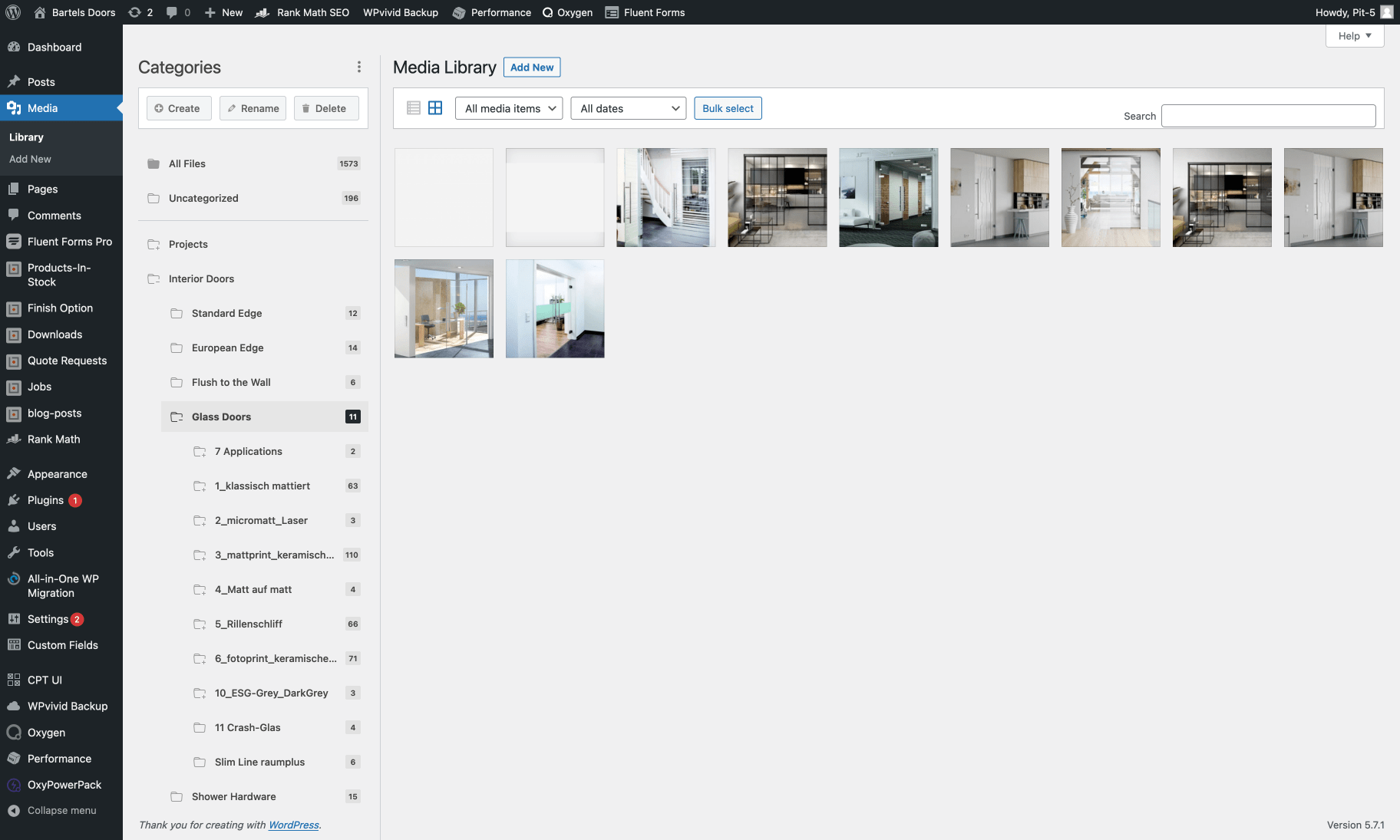
  1. In the side navigation click on "Media" and then "library".
  2. Under "Interior Doors" there is a folder "Glass Doors".

Sorted by models

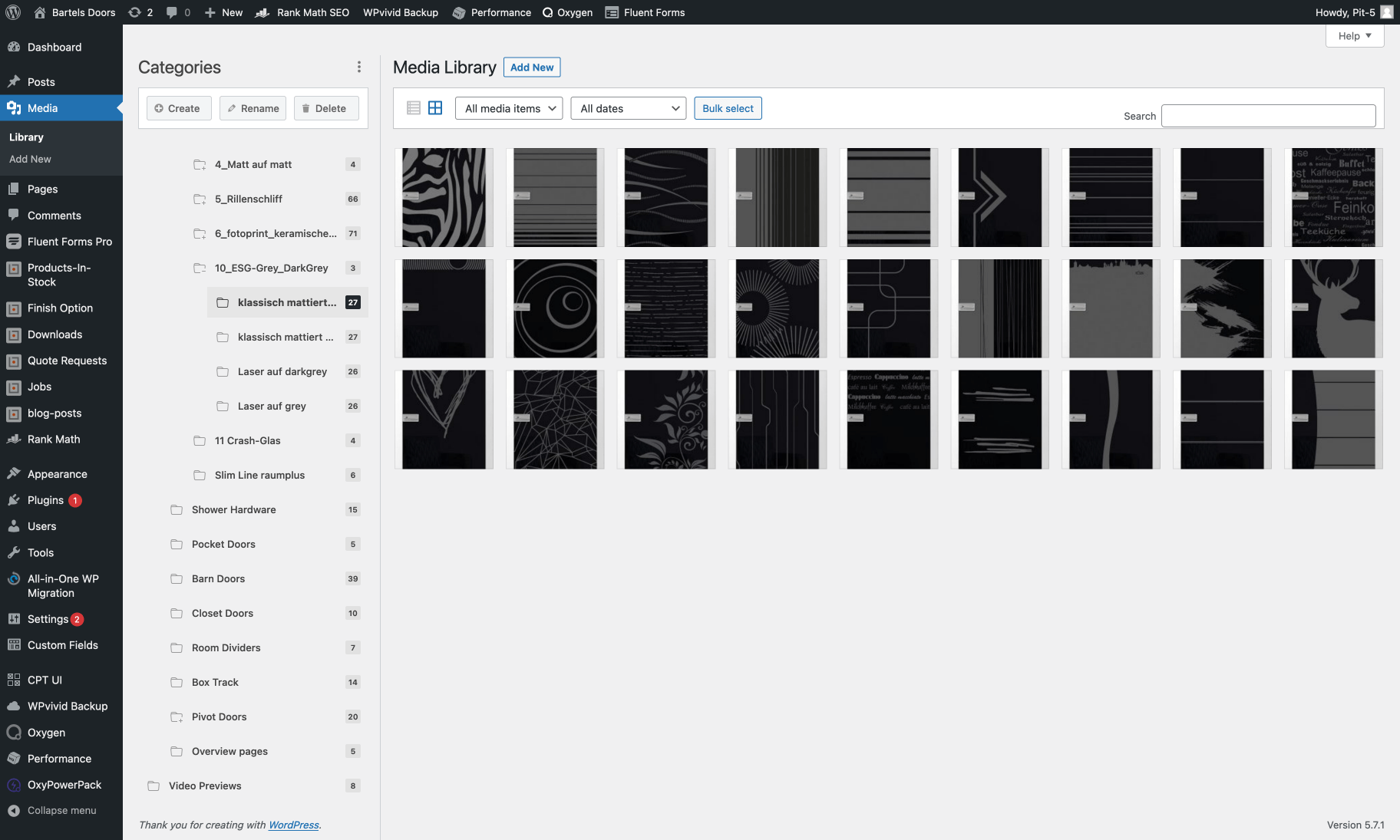
In the folder "Glass Doors" you will find the respective images for all models in their own subfolders. Like for example the ESG-Grey Dark Grey folder "Laser on darkgrey".

! To open a folder you have to click on the folder icon!
Select image

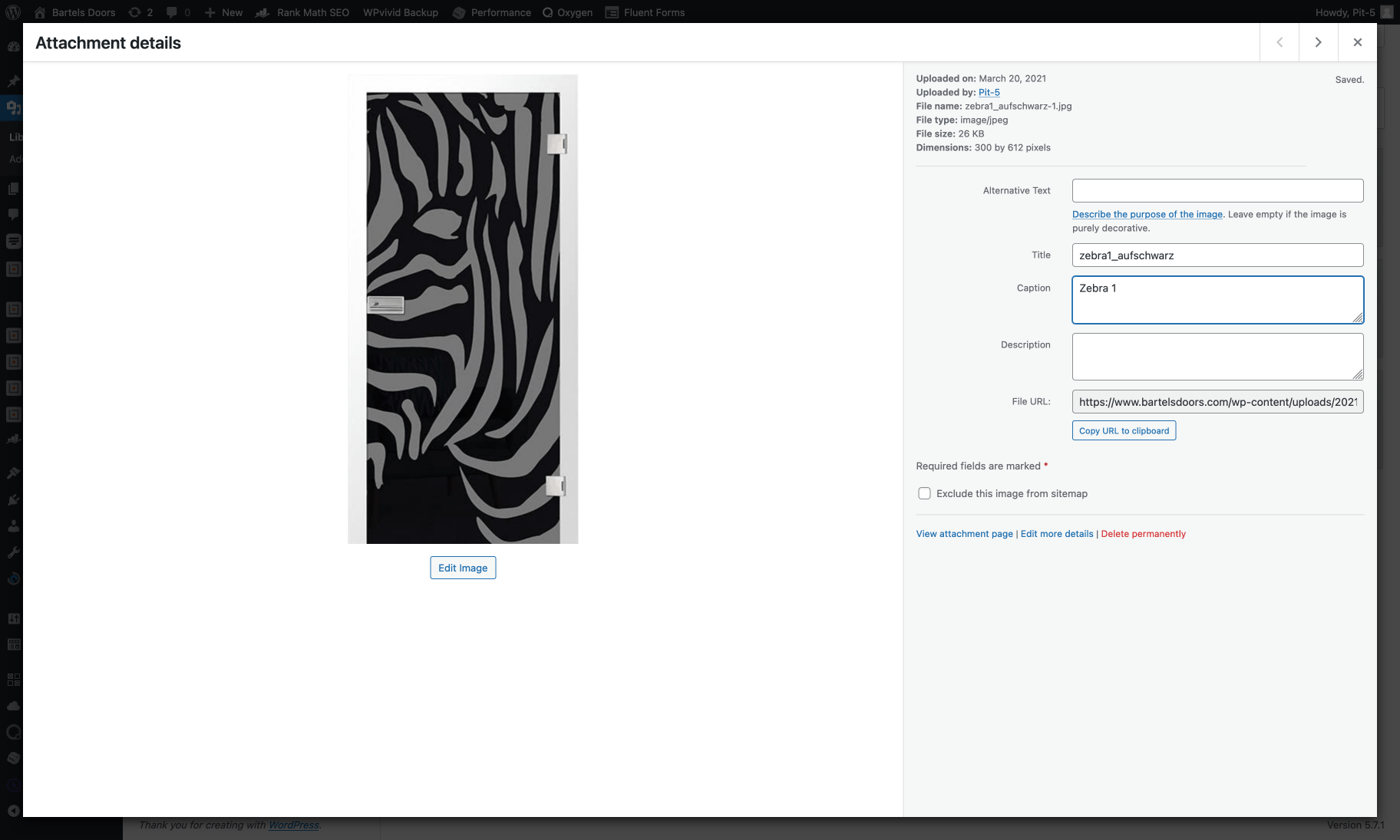
  • By clicking on an image you will get to the preview of the image with the caption fields on the right side.
  • Here you have to enter the information you want to appear under "Caption".

Note: For the Glass Doors you can see the title of the image in the field "Title". This can be transferred and adjusted if necessary.

Go to this page (bartelsdoors.com)
You must be logged in to the CMS to edit this page.
Questions, comments, extensions
Email
Copyright © 2026 All Rights Reserved
Top crossmenuchevron-downarrow-left